Start selling in minutes.
Create an account, add your products, and sell. Track cash, MoMo, and card in one place—and add Desktop whenever you need a counter that sells offline.
14-day free trial (up to 3 branches) · No card needed · Nothing to install
Sell from any browser
Nothing to install. Sign up, put your items in, and sell from a laptop, a tablet or a phone. Staff change over with a PIN, and it locks itself if it is left alone.
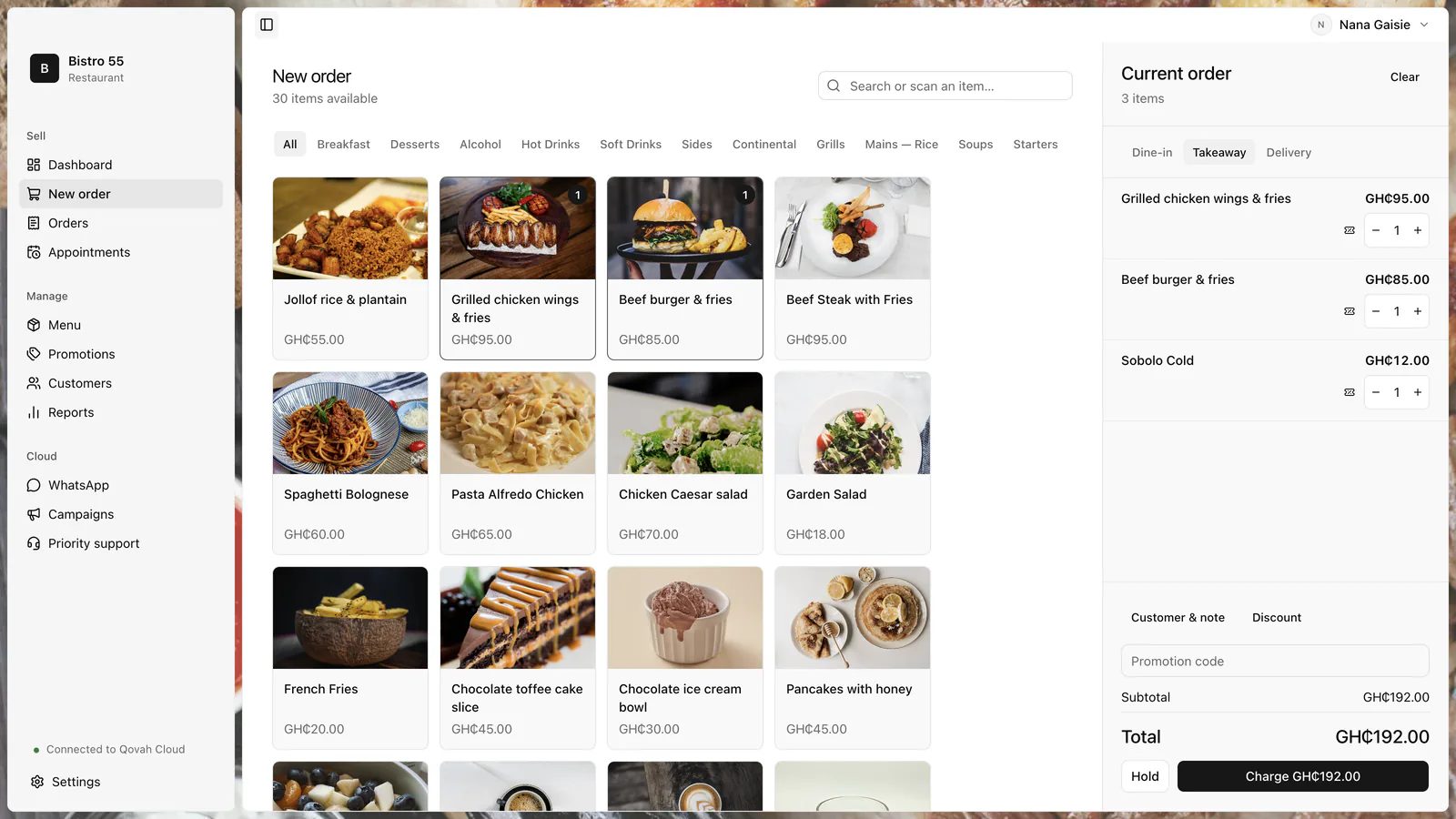
- Sell from any browser you've signed in on
- Items with photos, prices, options and stock
- Pickup or delivery, with your own zones and fees
- Receipts printed from the browser
Included with Qovah Cloud
On the counter, offline
Qovah Desktop, for Windows and Linux. Switch it on online once, and from then on it sells with no internet at all, on the versions your purchase covers.
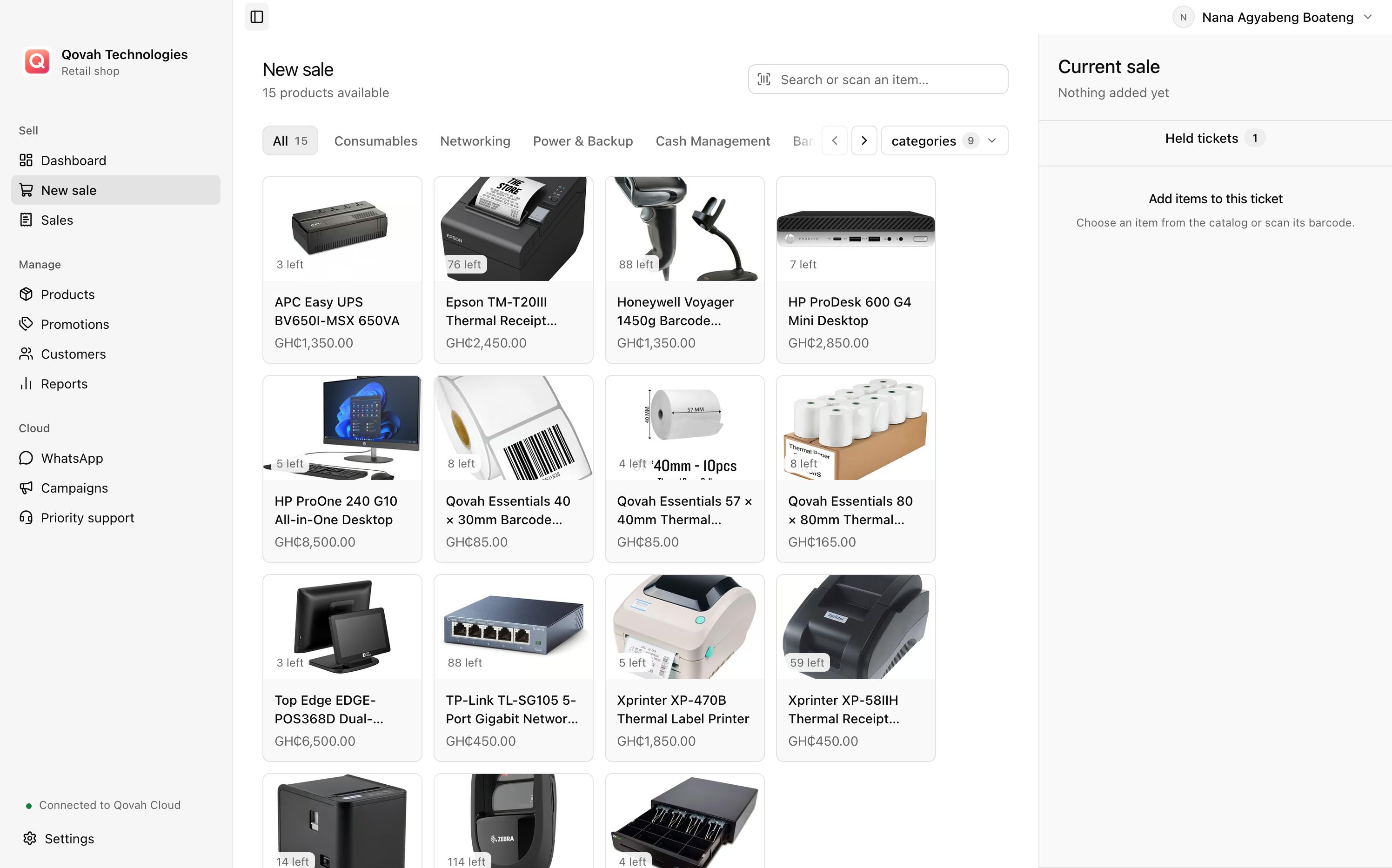
- Every sale on the shop's own computer
- Printers, cash drawer, scanners and displays
- Daily backups, and a copy to a USB drive
- GHS 899 once for one computer
A Cloud plan gives you the online pos and syncs all your counters. Desktop alone is a complete offline pos you pay for once
Everything a busy counter does.
Your team, by PIN
Every cashier gets their own PIN, and every sale logs who made it.
Live order screen
See every paid order from every counter on one screen
Printers & cash drawers
Connect thermal receipt printers, order printers, and a cash drawer
Need hardware too? Tell us about your shop. We'll recommend the right printers, scanners, and cash drawers, and set everything up for you.
Set up your counterSelling, answered.
Start free for 14 days.
Open a browser and take your first order today. Add Desktop when the counter must never stop.